> For the complete documentation index, see [llms.txt](https://docs.buildings.ability.abb/collection/llms.txt). Markdown versions of documentation pages are available by appending `.md` to page URLs; this page is available as [Markdown](https://docs.buildings.ability.abb/collection/academy/eliona-as-a-ticketing-platform/guide-from-an-admins-perspective.md).
# Guide from an Admin's Perspective
As an administrator, you're responsible for configuring and managing the ticketing system. To perform these tasks, you need either the "System admin" or "System owner" role. These roles grant you all the necessary rights to set up and manage ticketing in BuildingPro Suites.
## Create a Tenant
If you're working with a new BuildingPro Suites instance, use the existing tenant for ticketing. If an BuildingPro Suites instance already exists, you must first create a new tenant in the settings. [->Create a tenant](/collection/getting-started/1.-create-users-and-tenants/create-a-tenant.md)
## Tags
After the tenant is set up, create the necessary tags. These are used to show users only their own tickets and to efficiently filter and sort assets. At least one tag must be created for each customer. Additional tags help to improve clarity and make it easier to search for assets and users. [->Tags](/collection/mandatory-base/platform-core/workspace-and-identity/tags.md)
Tags
## Users
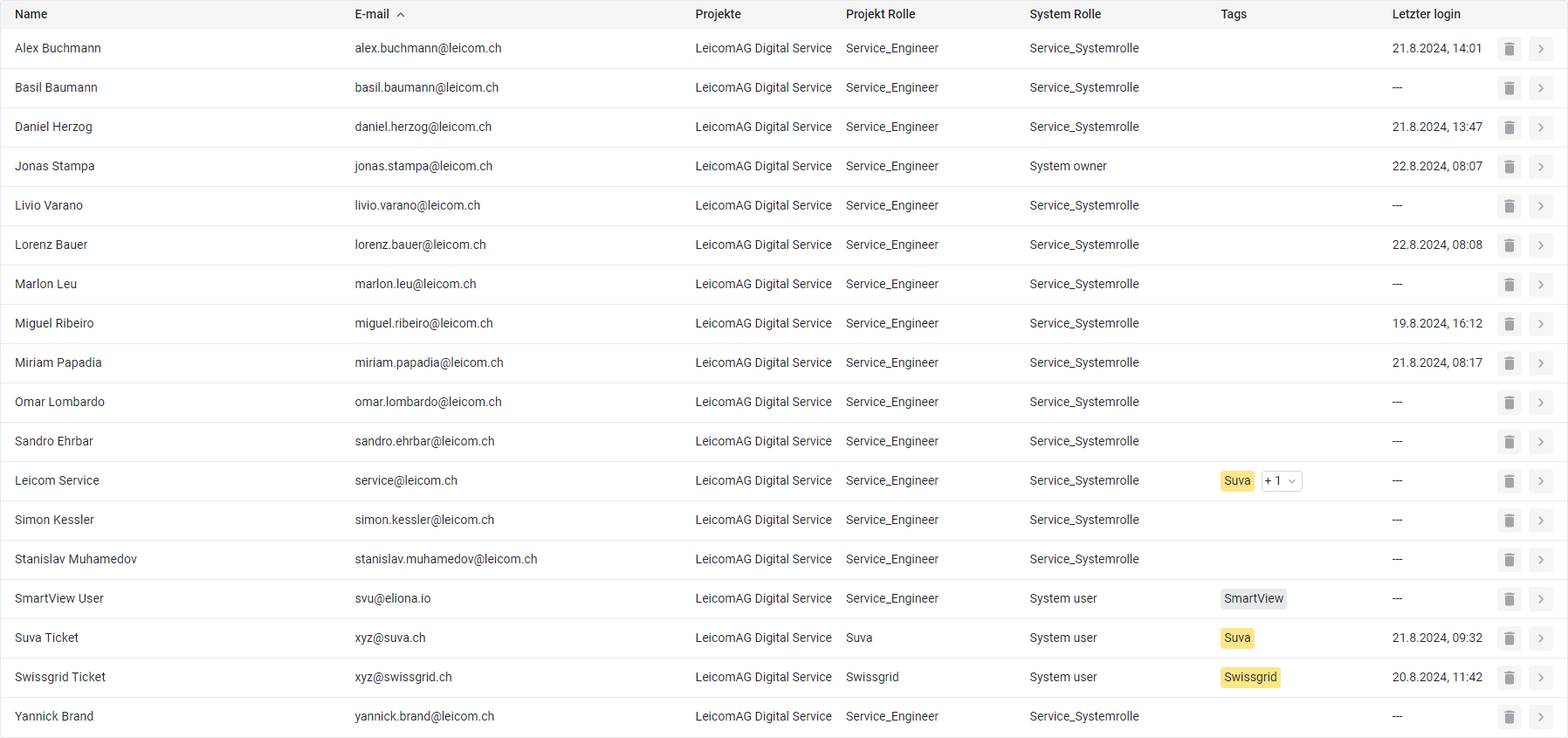
Every customer receives an individual login or their own user account, and several if needed. For the service team, an individual user is also created for each employee. In addition, there is a general service user whose task is to distribute tickets to the right employees. If there is only one service employee, this mechanism is not necessary. For a better overview, the customer's users are assigned the tags created previously.[ ->Users](/collection/mandatory-base/platform-core/workspace-and-identity/users.md)
Users
## Roles
A special role is created for service employees that allows all tickets to be visible to everyone. Individual tickets can be found using filters. If not all tickets should be visible to all service employees, additional roles must be created. The service employee role requires the rights to manage, write, and read tickets, as well as the rights to write and read assets. The required rights can be adjusted depending on the application.
Every customer receives their own role that only has access to their own tags. Basically, the customer only needs the right to read and write tickets and to read assets. These rights can be further adjusted depending on the requirements and existing dashboards. [->Roles](/collection/mandatory-base/platform-core/workspace-and-identity/roles.md)
Roles
## Assets
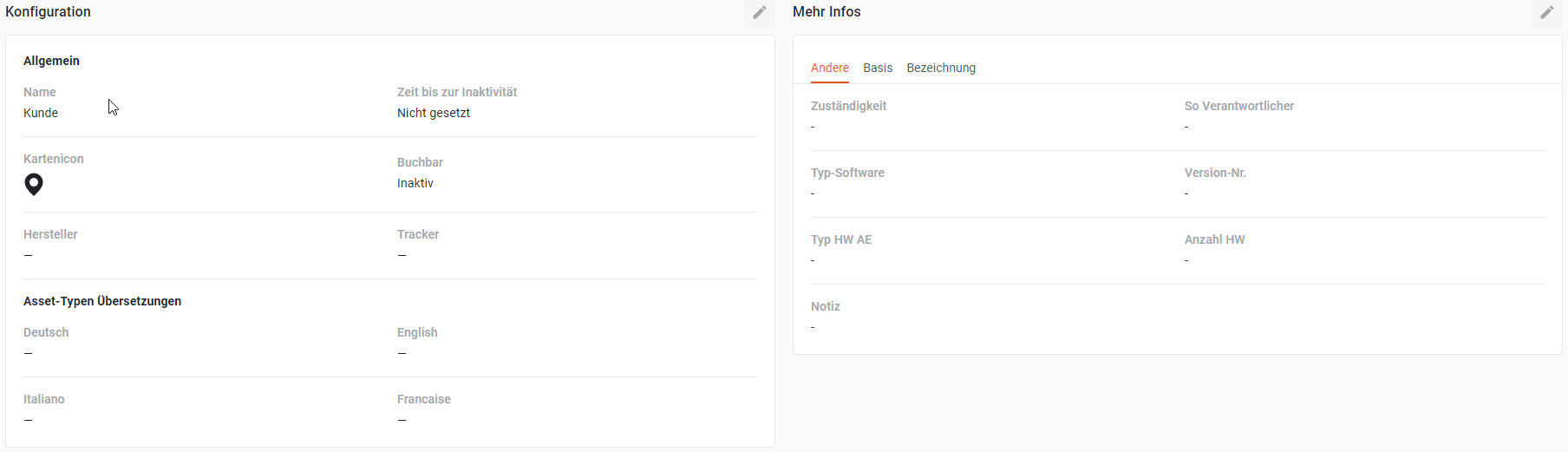
Service objects are created as assets. These can include individual devices or even entire buildings. Depending on the allocation of rights, the assets are recorded either exclusively by the administrator or also by the service employees. It is important that the assets are provided with the customer-specific tags so that they are assigned to the correct customer. All important information about the service object is entered in the asset. If required, further fields can be added via asset modeling to capture additional information. [->Assets](/collection/mandatory-base/assets.md)
Asset Modeling
---
# Agent Instructions
This documentation is published with GitBook. GitBook is the documentation platform designed so that both humans and AI agents can read, navigate, and reason over technical content effectively. Learn more at gitbook.com.
## Querying This Documentation
If you need additional information that is not directly available in this page, you can query the documentation dynamically by asking a question.
Perform an HTTP GET request on the current page URL with the `ask` query parameter, and the optional `goal` query parameter:
```
GET https://docs.buildings.ability.abb/collection/academy/eliona-as-a-ticketing-platform/guide-from-an-admins-perspective.md?ask=&goal=
```
`ask` is the immediate question: it should be specific, self-contained, and written in natural language.
`goal` is optional and describes the broader end goal you are ultimately trying to accomplish on behalf of the user. GitBook uses it to tailor the answer towards what is most useful for that goal.
The response will contain a direct answer to the question and relevant excerpts and sources from the documentation.
Use this mechanism when the answer is not explicitly present in the current page, you need clarification or additional context, or you want to retrieve related documentation sections.
.png?alt=media&token=ee126278-7539-4ea9-b5a8-903f7692e930)