Assign a user to a project
Changes since ACL
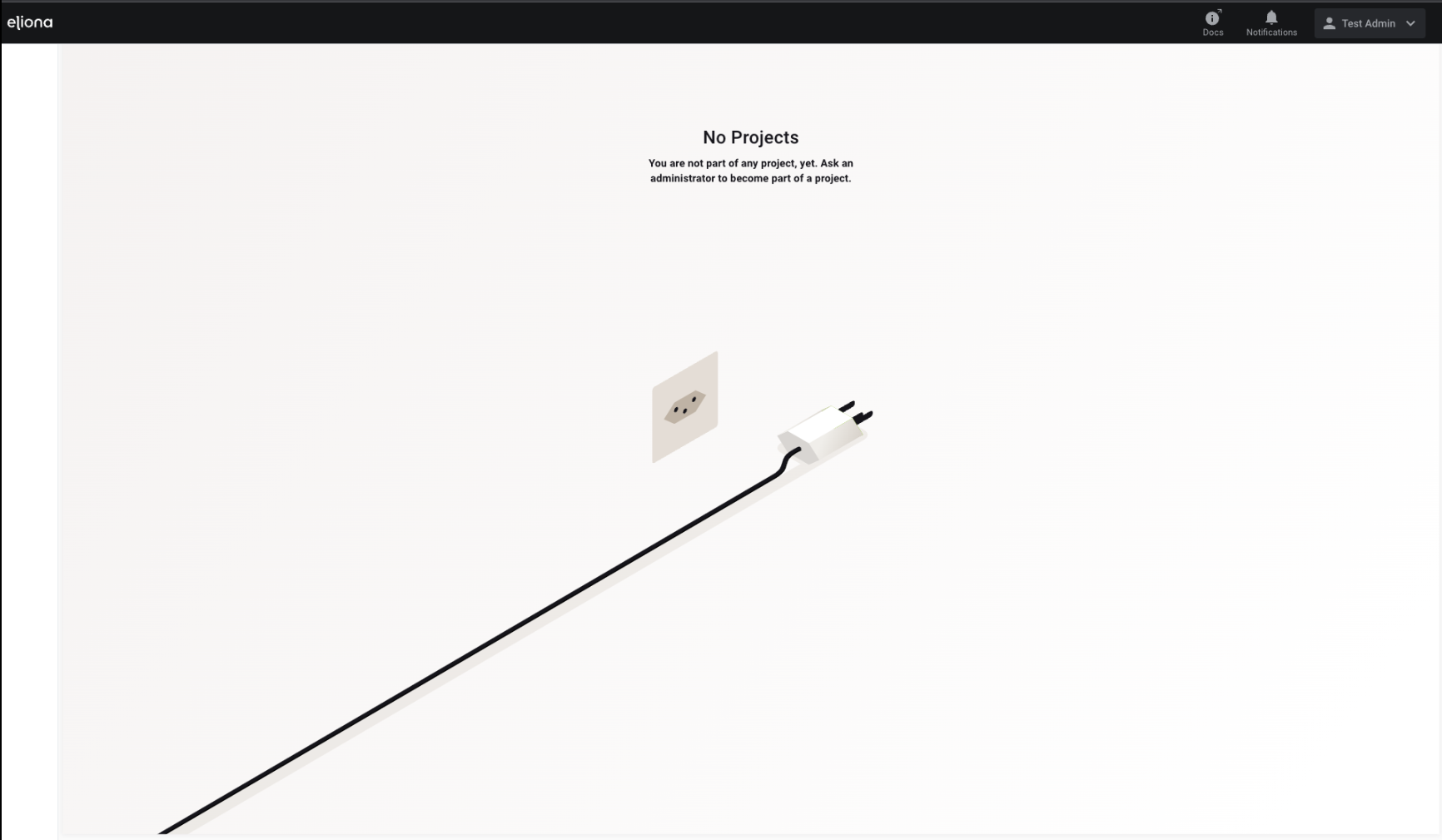
Since the introduction of -> ACL it is especially important to assign newly created users to a project immediately. A user without an assigned project cannot see anything in eliona and cannot perform any actions.

Why is that?
If a user is not assigned to any project, then Users they also have no project role.
If no project role applies to a user, only the system role settings apply.
The default system role of every new user is "System-User". This role has no read permissions whatsoever.
Therefore, a user with the system role "System-User" cannot see any menu items and cannot perform any actions.
Procedure

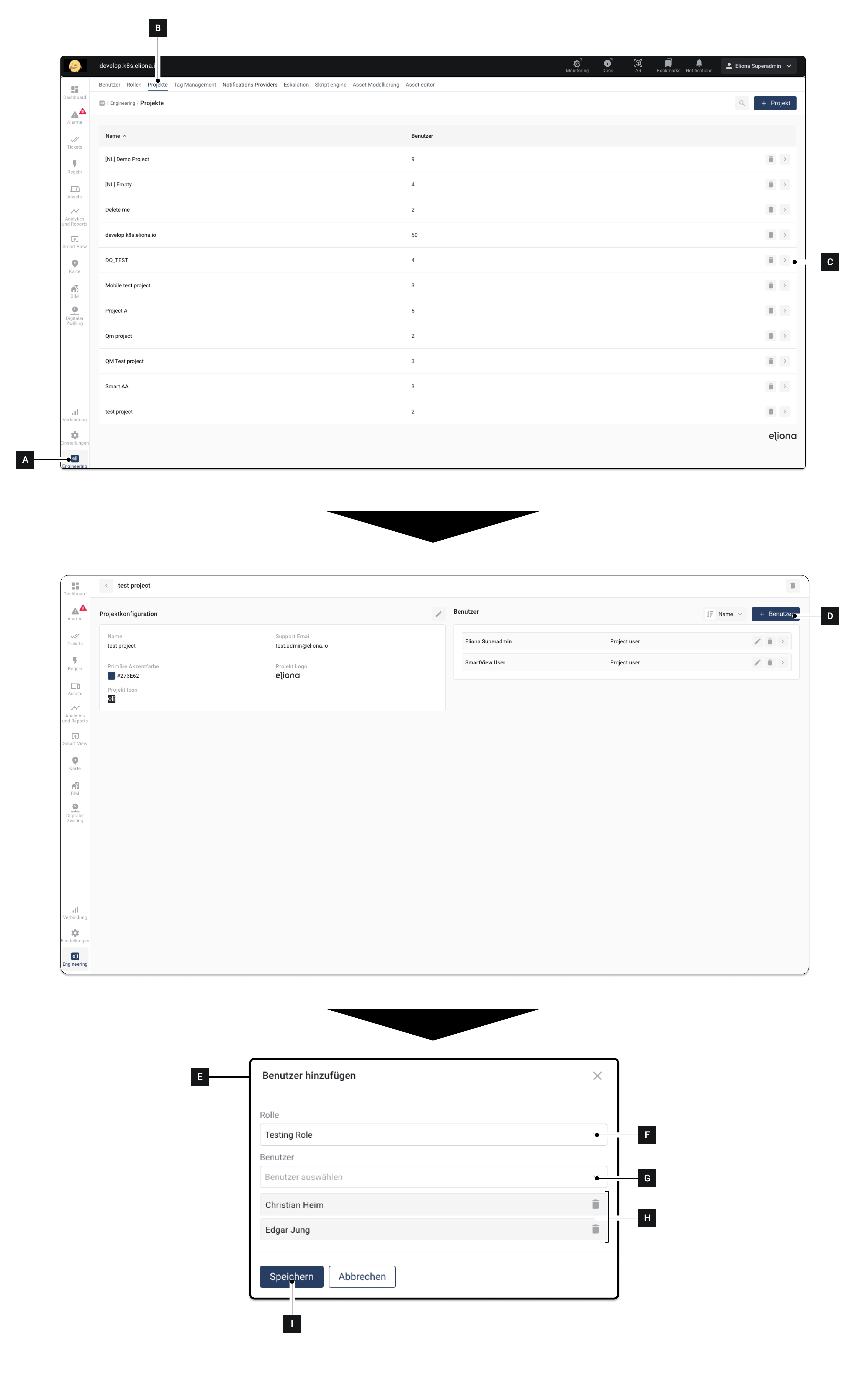
Click on Engineering [A]
Make sure that the tab Projects [B] is selected
Click on the project to which you want to assign a user [C] ▷ The project settings open
Click on [D] ▷ The window Add user [E] appears
Select in Project role [F] that should be assigned to the added users.
Select a User [G] to be added to the project ▷ The selected user appears in [H]
Optional: Repeat step 6 to add more users. The role selected in [F] will be assigned to all of these users
Click on Save [I] ▷ The selected users are added with the role selected in [F] selected role
Last updated
Was this helpful?