For the complete documentation index, see llms.txt. This page is also available as Markdown.

🎛️Smart Views

Overview

Smart Views are used to display information from eliona for building users.

Building users are people who do not work directly with Eliona, but use the building passively—for example, employees in an office building.

-> Learn more about the terminology used in this document.

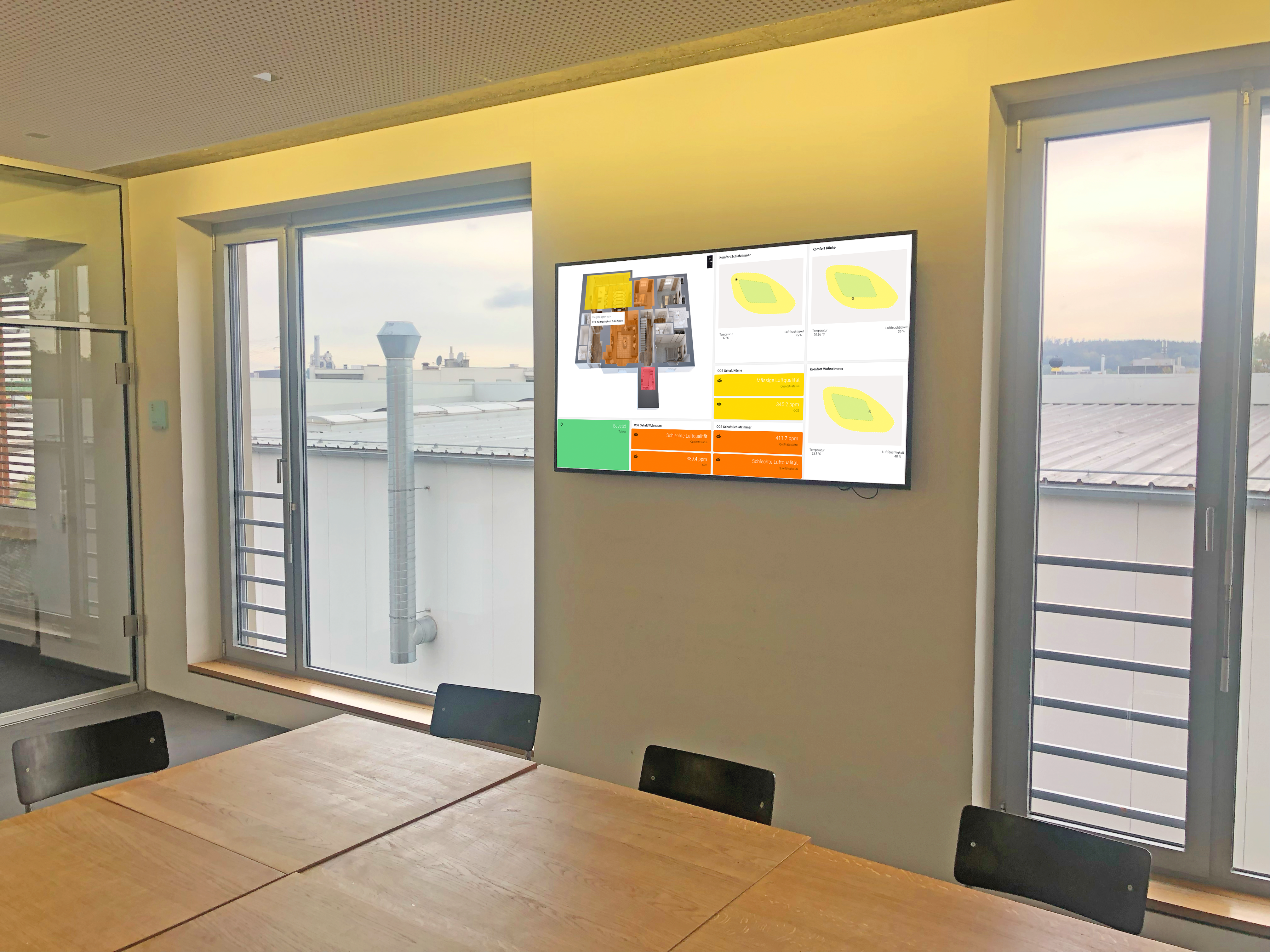
Fig. 1 – A practical example: A Smart View shows employees information about air quality and other information.
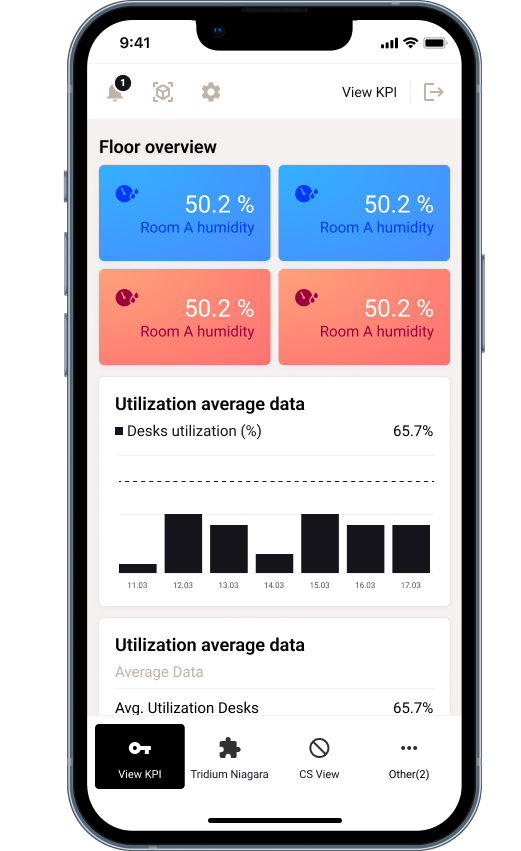
Fig. 2 – Smart Assist on a smartphone

Smart Views

A Smart View displays information.

Imagine a View as a simplified Dashboard one: Just like on a dashboard, you can display one or more widgets in a View.

In contrast to the dashboard, the interaction options of a View are deliberately limited. Building users should not be able to make settings in eliona.

Just like with dashboards, you can create an unlimited number of Views and edit them later.

slider groups

You can combine multiple views into slider groups . These slider groups then switch between the individual views after a set period of time.

↗ Learn how to create slider groups

Smart Assist

Smart Assist is a collection of several Views or slider groups.

Smart Assist is covered in ↗ a separate chapter There, the difference between Smart Assist and slider groups is also discussed in more detail.

Was this helpful?