Open an existing Smart View
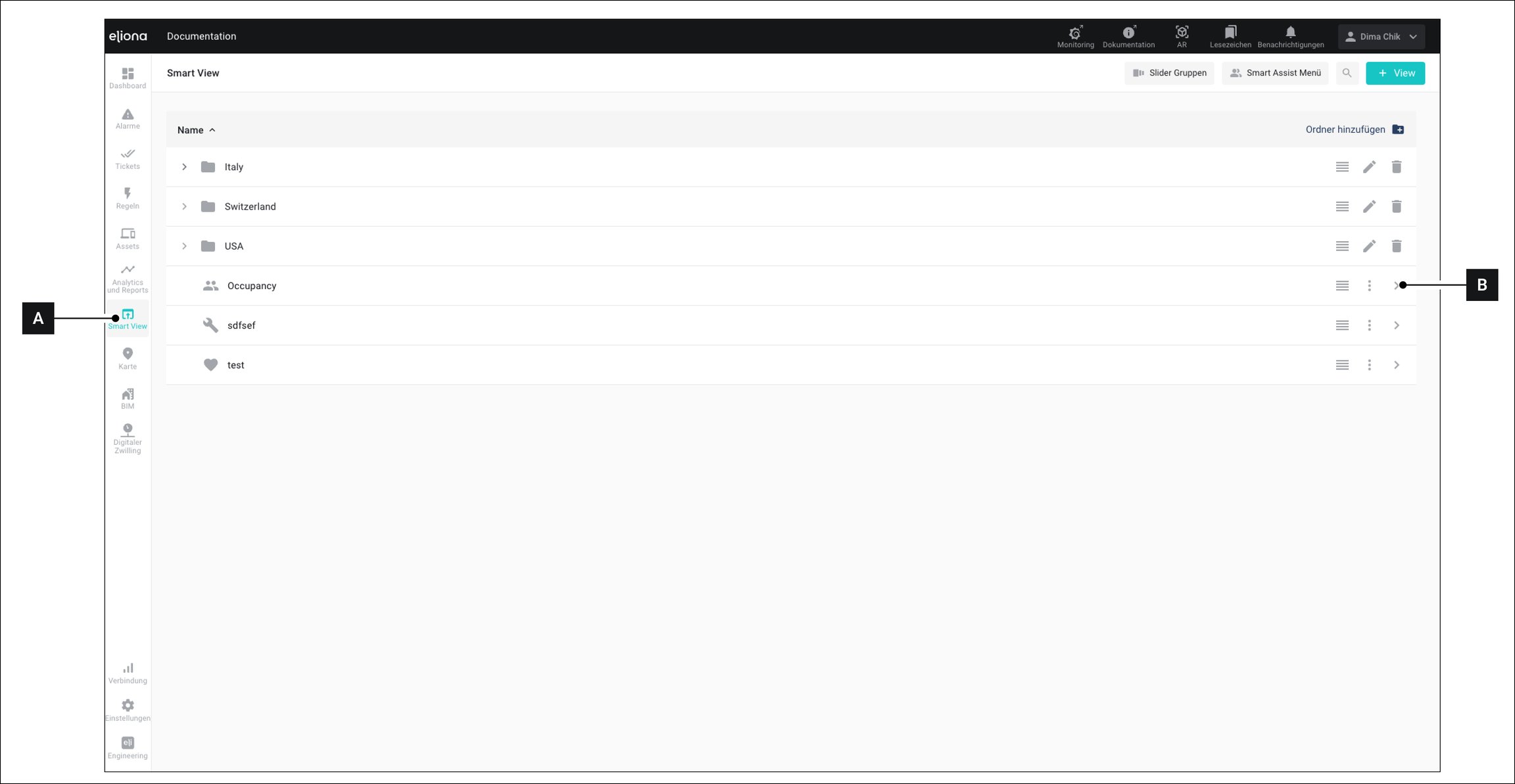
Open the menu item Smart View [A] ▷ The "Smart Views" workspace opens. ▷ You see a list of the created Smart Views
Click on [B] ▷ The "Edit Smart View" menu opens
You can now -> configure
Last updated
Was this helpful?


Open the menu item Smart View [A] ▷ The "Smart Views" workspace opens. ▷ You see a list of the created Smart Views
Click on [B] ▷ The "Edit Smart View" menu opens
You can now -> configure
Last updated
Was this helpful?
Was this helpful?