

map
The "map" module shows a map with assets on it.
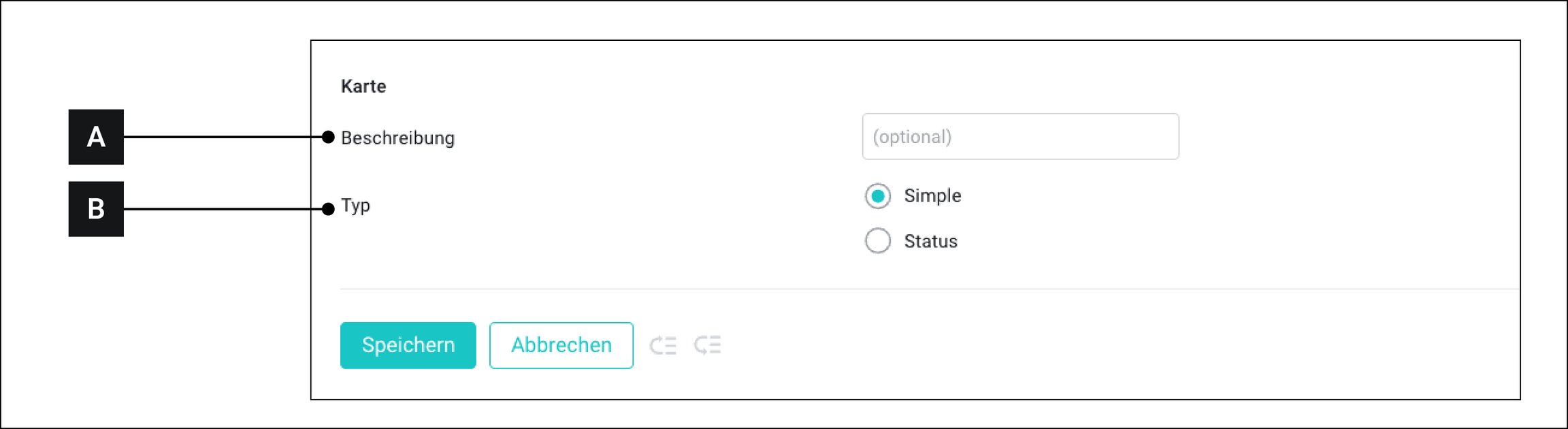
[A]
Description
This text is displayed when the custom widget is later connected to assets
[B]
Type
Simple Choose "Simple" if the widget should be connected to assets that send values between 0 and 1.
Status Choose "Status" if the widget should be connected to assets that can send values other than 0 and 1. In this case, you can move the mouse pointer over an asset in the widget and see the asset's status
You can learn how this module is used in practice ->here
Last updated
Was this helpful?