

iFrame
With the "iFrame" widget, you can embed websites into the eliona dashboard.
The embedded pages are interactive. This means that you can operate the embedded pages within the widget. For example, it is possible to scroll the pages, perform searches, etc.
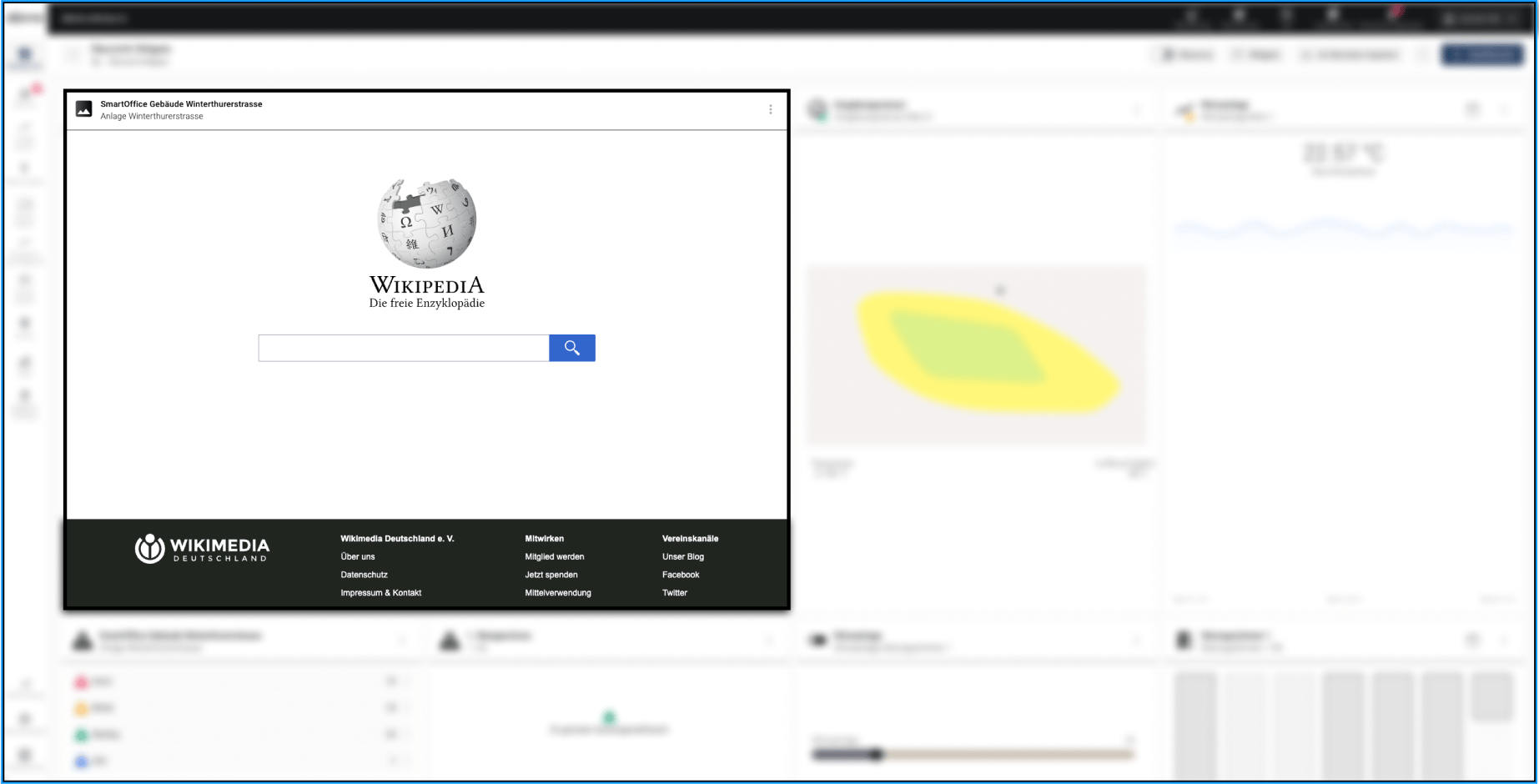
When should this widget be used?
The "iFrame" widget is well suited for displaying, for example, news in a -> Smart Assist View display.
Because the embedded websites are interactive, the widget can also be used to keep technical documentation close at hand.
Configure widget
Make sure you are in the "Dashboard" menu
Click "Add widget"
Click on "View"
Click on "iFrame"
Select the primary asset. The name of this asset appears in the widget title bar.
Enter the URL of the website that should be embedded in the widget. IMPORTANT: Enter the full URL, including the prefix ("http://" or "https://"). The best way is to copy the website URL from your browser's address bar.
Specify a minimum height in pixels for the widget
Optional: Choose how much space your new widget should take up on the dashboard.
Click "Add widget"
Last updated
Was this helpful?