

Ticket overview
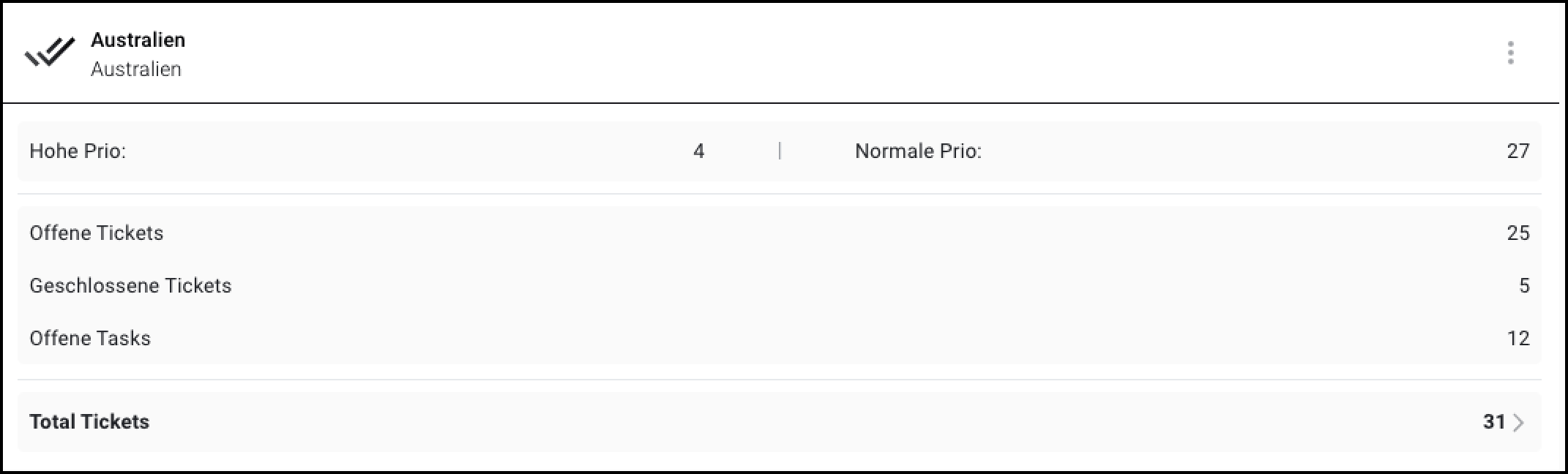
The ticket overview shows tickets and tasks for the current project.
Configure widget
Make sure you are in the "Dashboard" menu
Click "Add widget"
Click on "eliona"
Click on "Ticket Overview"
Select the primary asset. The name of this asset will appear in the widget title bar.
Optional: Choose how much space your new widget should take up on the dashboard.
Click "Add widget"
The widget appears on the dashboard.
Last updated
Was this helpful?